QR File Transfer TestFlight Beta
Join the QR File Transfer Beta via TestFlight!
Requires iPhone and Apple TestFlight.
As a beta tester, you'll have the unique opportunity to shape the future of QR File Transfer by providing valuable feedback and helping us identify any bugs before public release. Your input will directly impact the app’s development, ensuring a smooth and seamless file transfer experience for everyone.
Not only will you play a crucial role in improving the app, but you'll also be among the first to explore new features and updates before they go live. Whether you’re a frequent file sharer or just looking to try a fast and effortless way to send files from your PC to your iPhone, our TestFlight beta is the perfect place to start.
What is QR File Transfer?
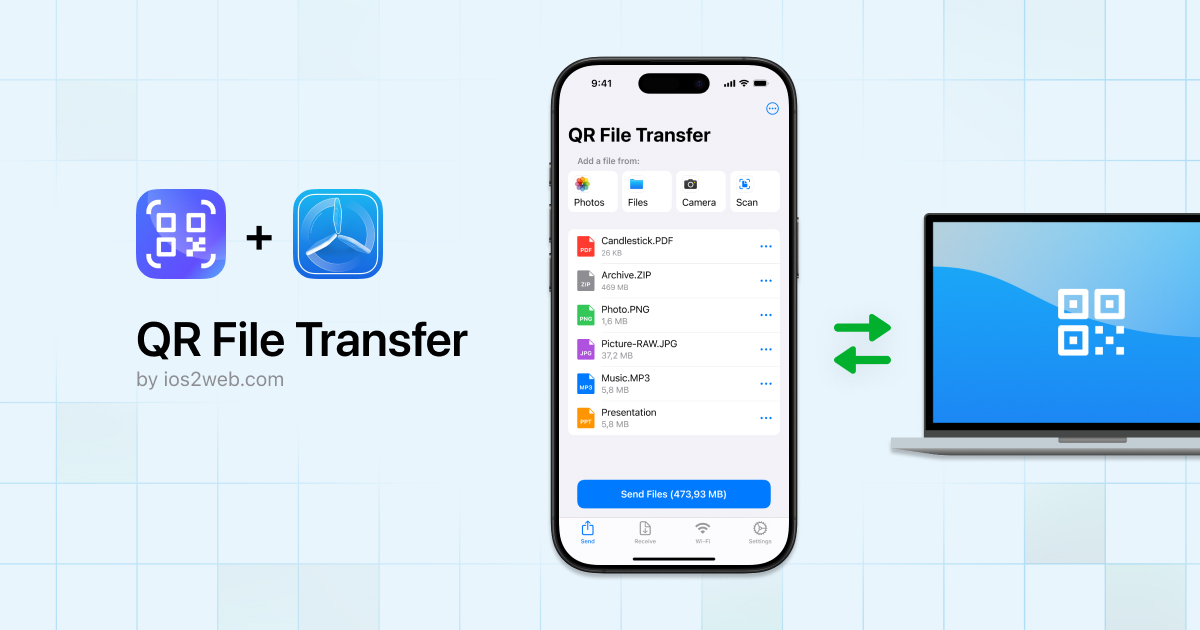
QR File Transfer lets you send files from any PC to your iPhone by simply scanning a QR code.
- No USB cables
- No software installation on your PC
- Just upload, scan, and receive files instantly!
Why Join the TestFlight Beta?
- Early Access – Get the latest features before public release.
- Exclusive Perks – Beta testers may receive a free lifetime license.
- Help Improve the App – Share your feedback and help us refine the experience.
How to Join the Beta?
- Install Apple’s TestFlight from the App Store.
- Tap the button below to join the beta in TestFlight.
- Upload a file on your PC, scan the QR code in the app, and receive it on your iPhone.
FAQs
-
Is it free to join?
Yes! Beta access is free, and testers may receive a free lifetime license. -
How do I provide feedback?
You can send feedback via TestFlight or email us at [email protected]. -
Do I need an app on my PC?
No! Simply visit ios2web.com, upload your file, scan the QR code with the app, and receive your file on iPhone.
Requires iPhone and Apple TestFlight.
Need help or have questions? Visit our support page.
We’re committed to making file transfers as simple and efficient as possible for everyone facing similar challenges.