Step - 1

Download App
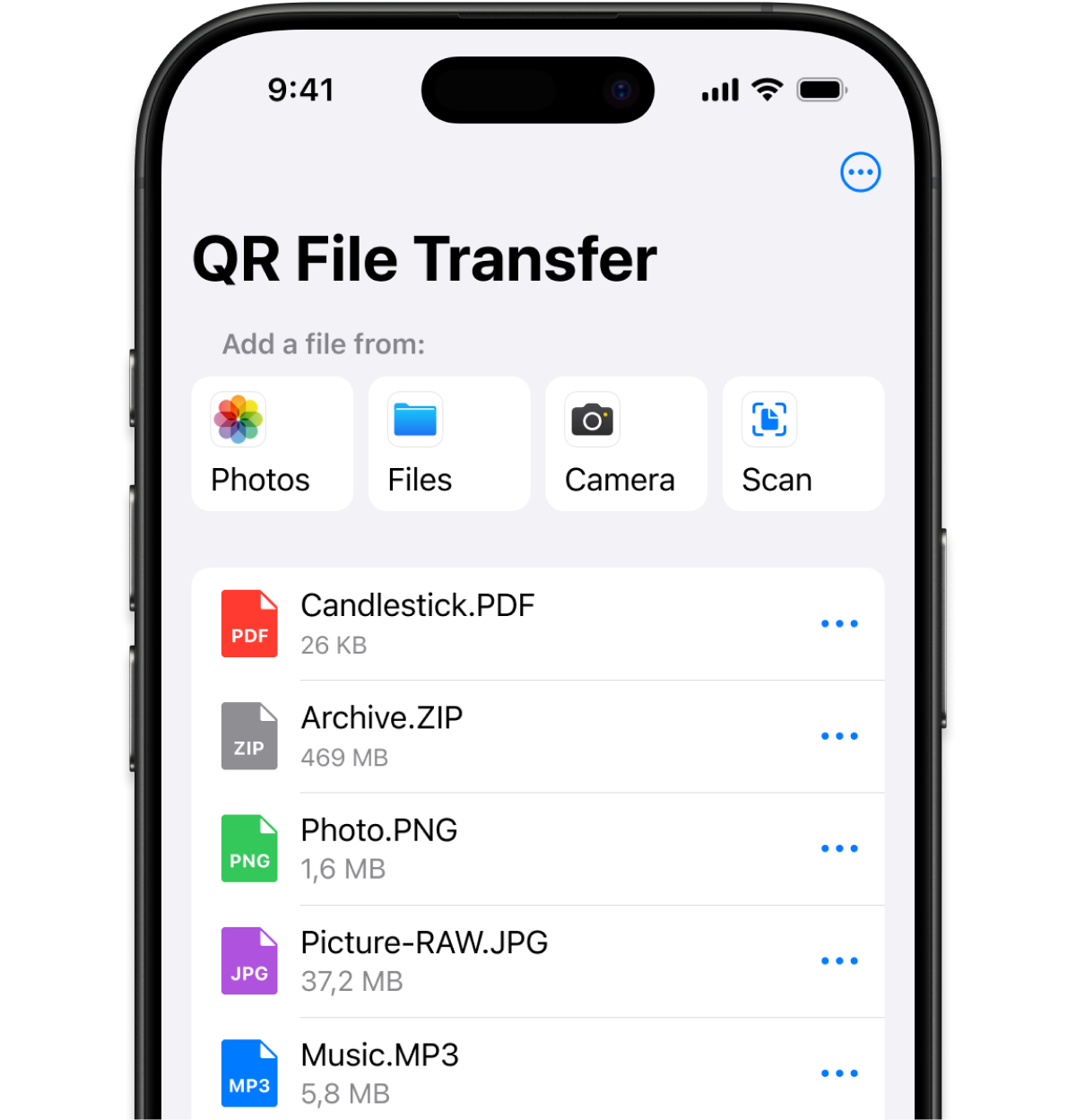
Download the QR File Transfer app for iPhone.
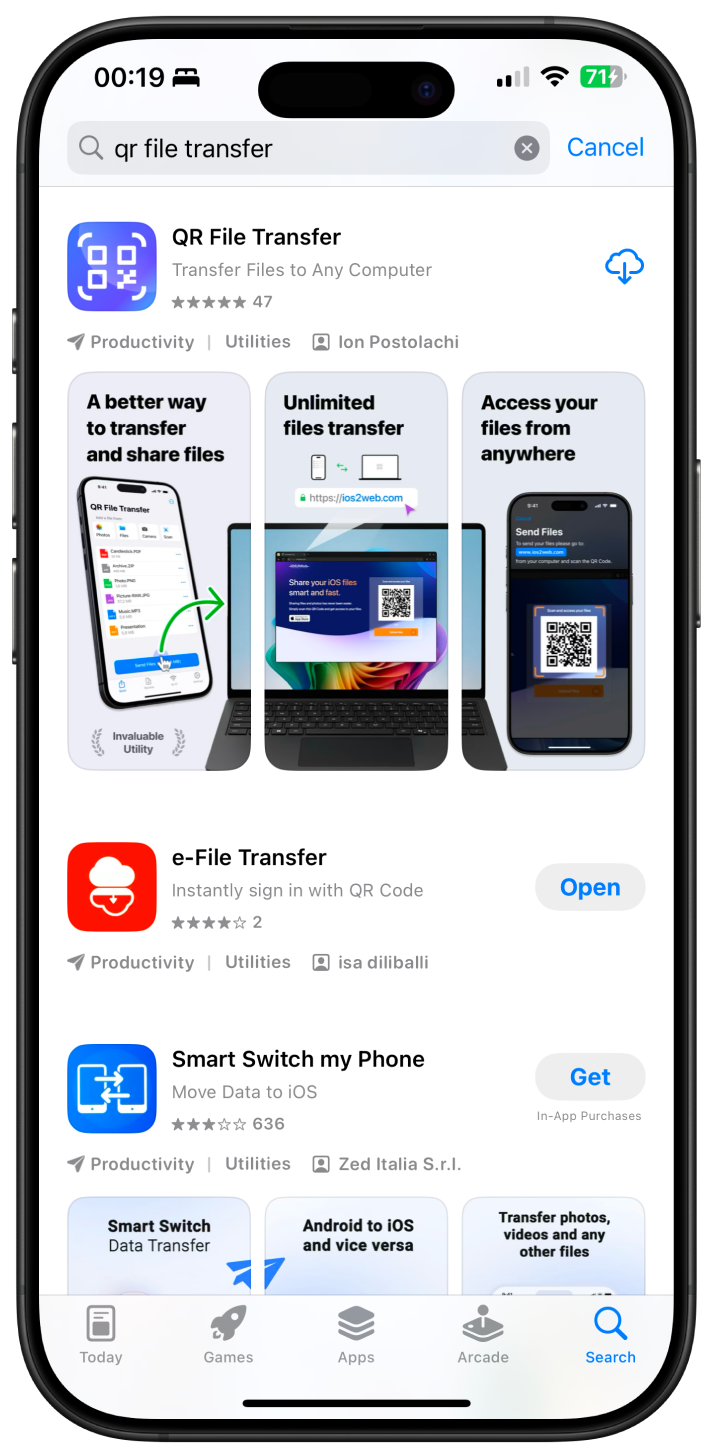
Quickly transfer files and photos with a simple QR code scan. Choose what you want to do - receive files on your device or send files from your computer.

Scan this QR Code with the QR File Transfer app to access and download files uploaded from your iPhone.
Scan with QR File Transfer

Easily transfer files to your phone! Click the Upload Files... button below to select your files.
Better experience on mobile. Faster transfers, offline access, and exclusive features.
Simply follow these three easy steps to transfer your files effortlessly using
QR File Transfer.
Download the QR File Transfer app for iPhone.
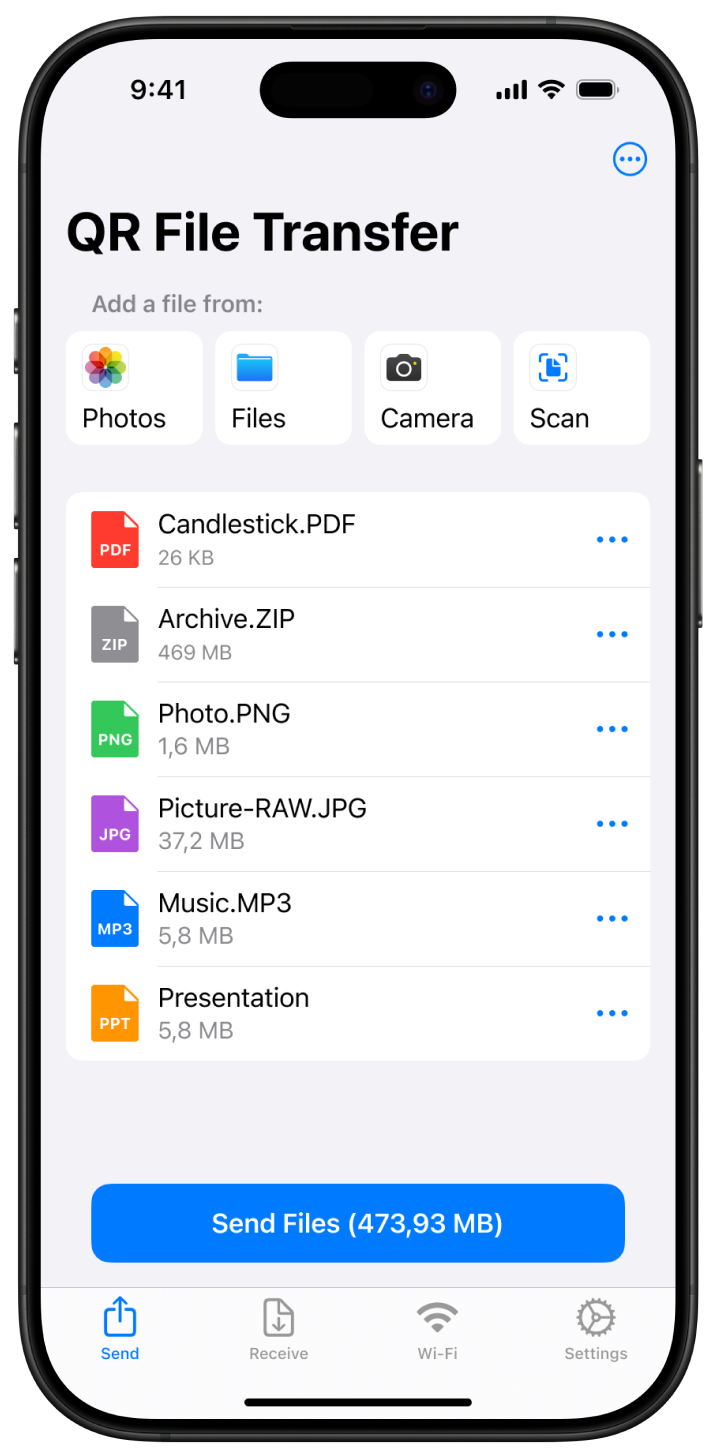
Open the app and select the files you want to transfer. You can upload photos, videos, and documents easily.
Scan the QR code from ios2web.com on your computer to start transferring files instantly. No login required!
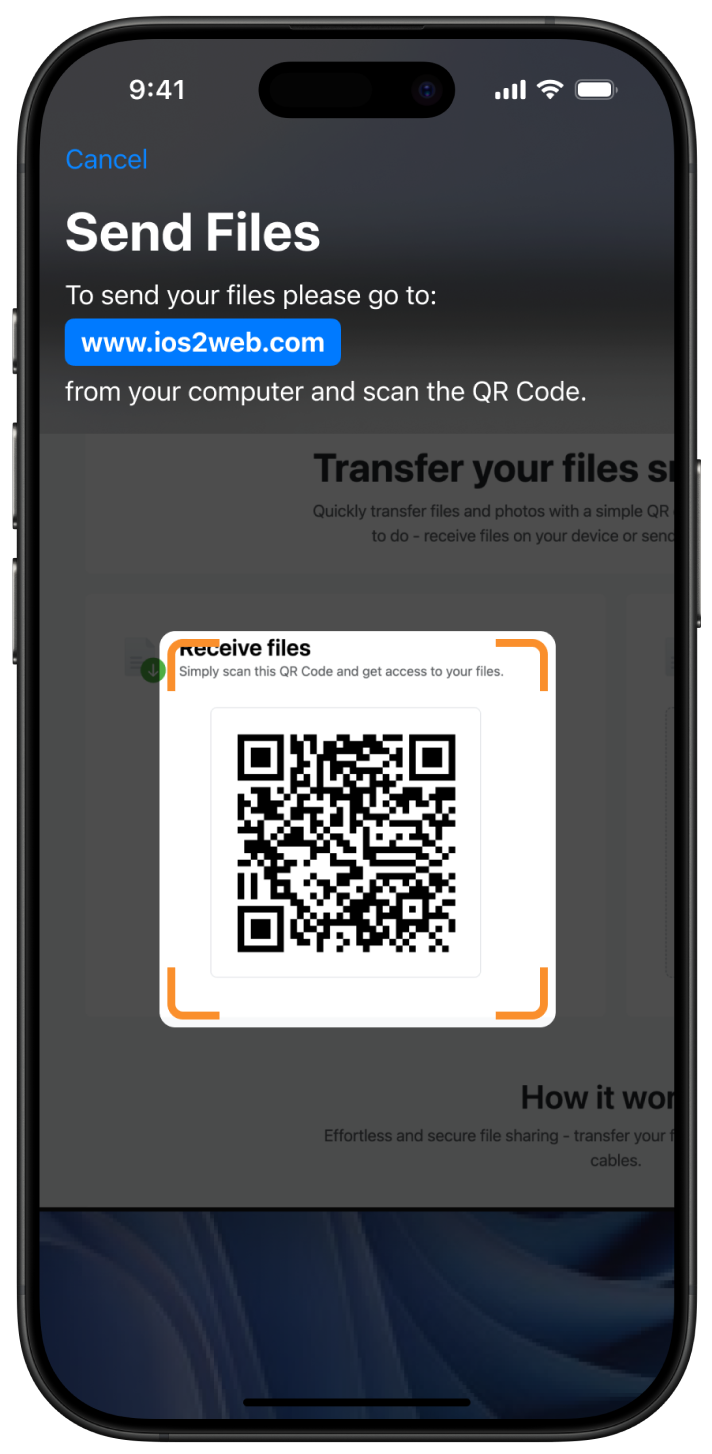
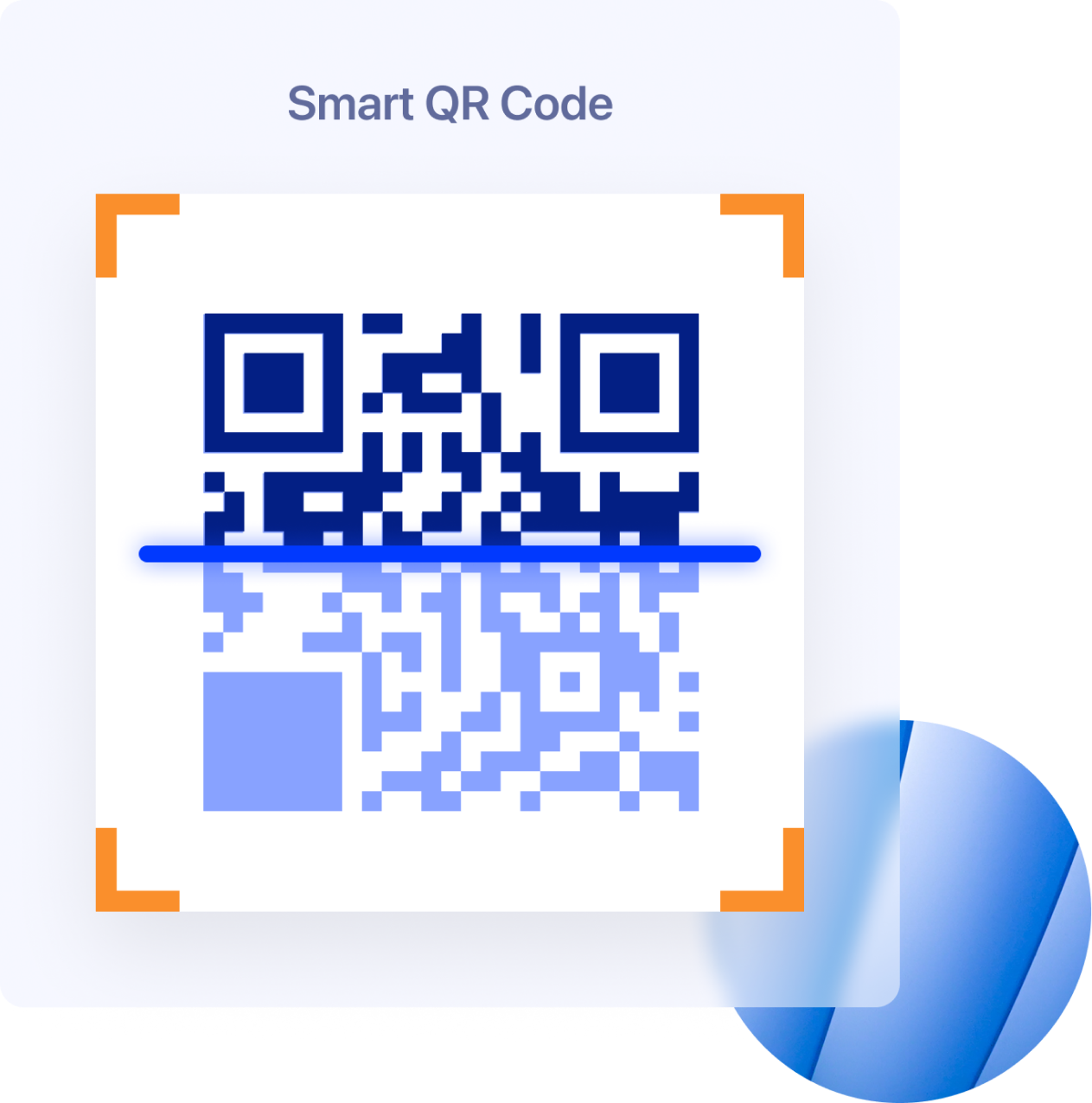
Start transferring files effortlessly! Simply download the Download QR File Transfer from the Apple App Store and you're ready to go. Upload your files and access them instantly by scanning the QR code with your phone—no accounts, no hassle.
4.8 / 5.0 Rating on the App Store
Based on 365+ ratings and reviews
Easily retrieve your uploaded files and download them instantly to your computer or phone with just a scan. No hassle, no waiting—your files are always ready when you need them.

See where QR File Transfer has been mentioned and talked about.

Everything you need to know about QR File transfer
Getting started is easy. Download QR File Transfer app from Apple Store, install it and you are good to go. Upload your files and access them by scanning the QR Code with your phone.
Anyone with link can access it but if you don't share it no one has access to your files.
Files are available for one hour after being uploaded. After this time, they are automatically deleted from our servers. If you want to delete your files manually, you can do so using the DELETE button.
No, an active internet connection is required to upload and access files via QR File Transfer.
You can transfer photos, videos, documents, and other common file formats from your iPhone to your computer quickly and easily.
Yes, QR File Transfer is free to use for basic file transfers. However, certain premium features may require a subscription. For more details, visit our Pricing Page.
Yes, you can select and upload multiple files at once, and they will be available via a single QR code for easy access.
No account is required. You can start using the app immediately after installation, without any registration or sign-in.
Yes, you can transfer files to any computer as long as it has internet access and a web browser. This includes personal computers, work computers, public computers, and even school computers. Simply scan the QR code in the browser to access and download your files easily, without needing to install any additional software.
If you couldn't find the answers in our 'Frequently Asked Questions' section, feel free to reach out to us at [email protected]. We're here to help and will get back to you as soon as possible!
Easily transfer photos, videos, and documents from your iPhone to any computer using a secure QR code. Download QR File Transfer and start sharing files wirelessly, no cables, no sign-up required!
4.8 / Based on 3695+ ratings and reviews




Trusted by 60k+ users